
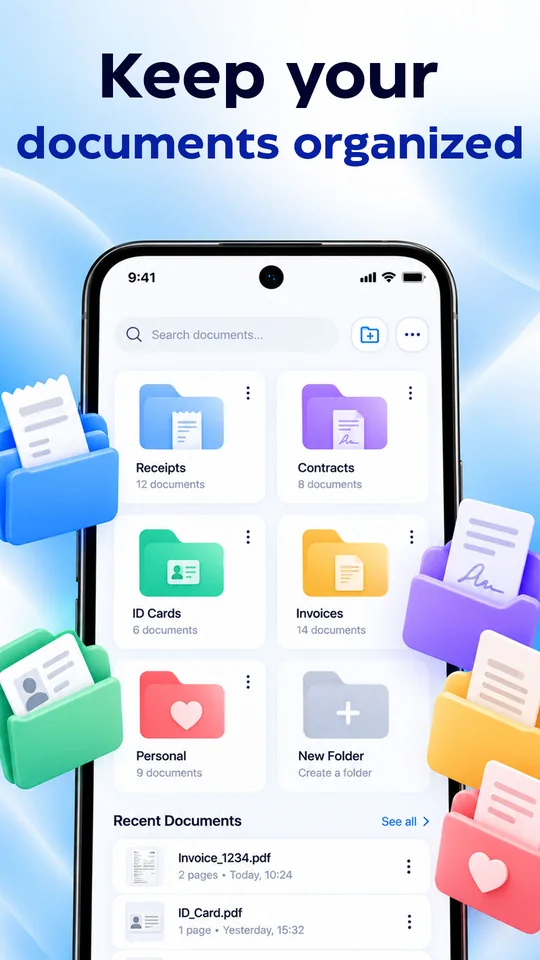
Organized folders
Keep receipts, contracts, ID cards and invoices in folders, and find them fast with search.
 Scanly by Lume Labs
Scan, save and organize your important files — create PDFs, sign documents and copy text from your scans, all in one app.

Everything you need
From a quick scan to a signed PDF, Scanly keeps your documents sharp, organized and easy to find.
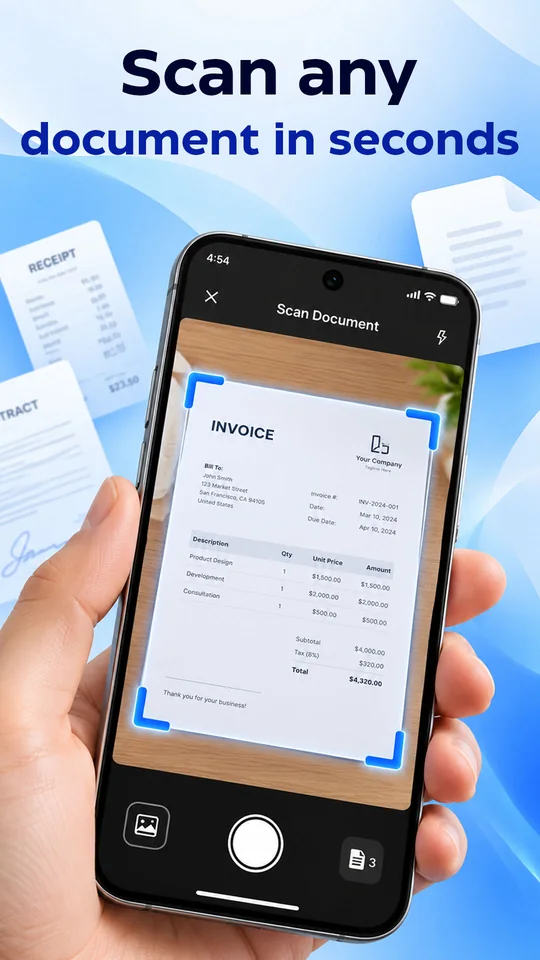
Scan documents
Capture invoices, contracts and more with clear on-screen guides, then keep scanning more pages.
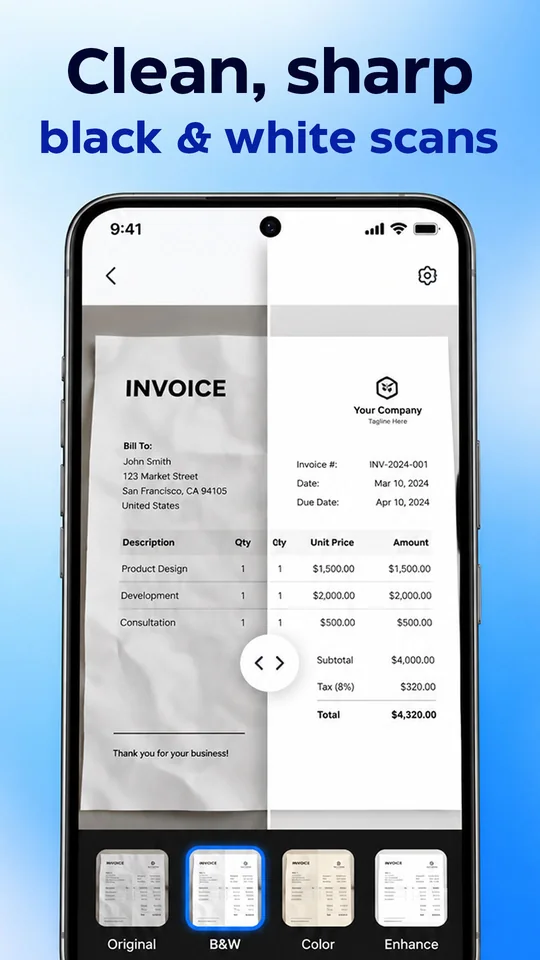
Clean, sharp scans
Compare your original with a clean result and pick the look that works best for your document.
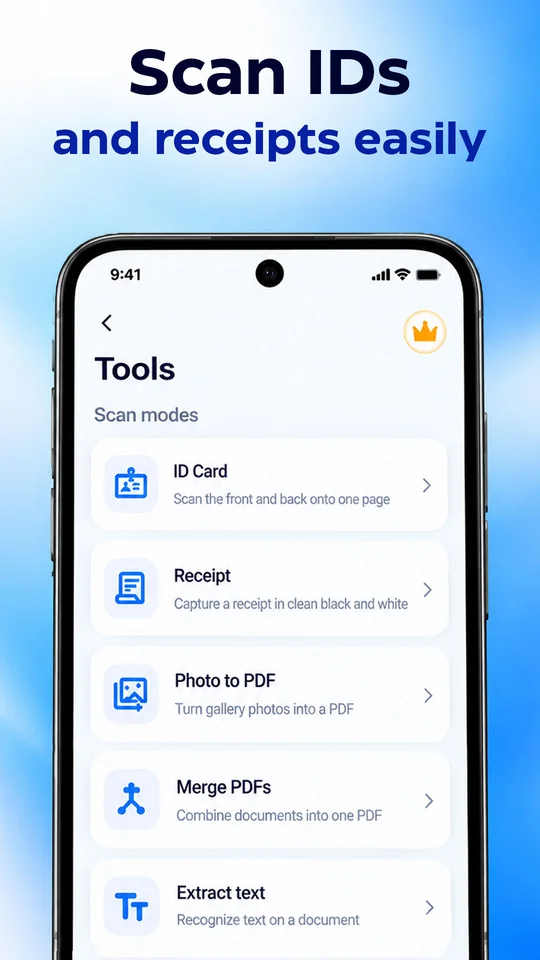
Scan modes & tools
Choose the mode that fits what you are scanning and get a clean result every time.
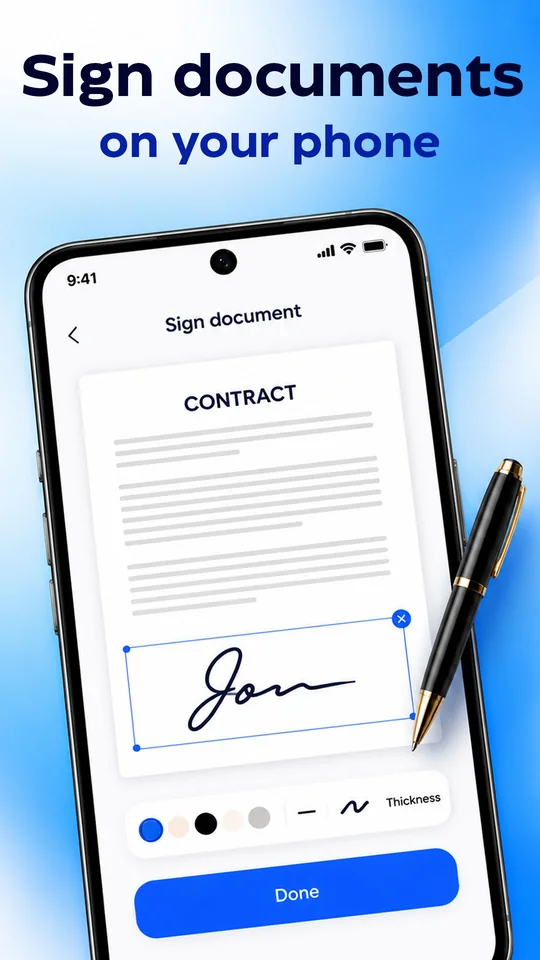
Sign documents
Add your signature to a document, choose its color and thickness, and place it where it belongs.
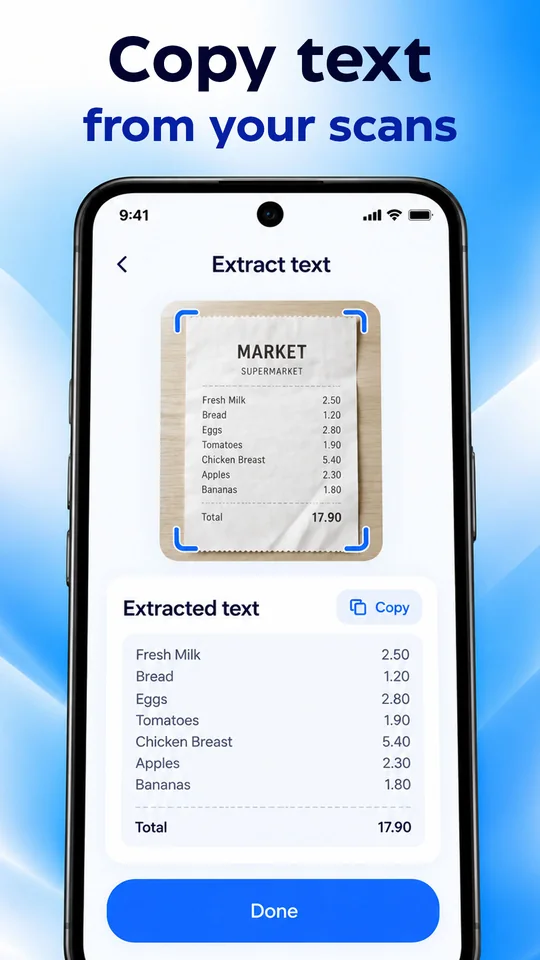
Extract text
Recognize the text on a document and copy it with a single tap.
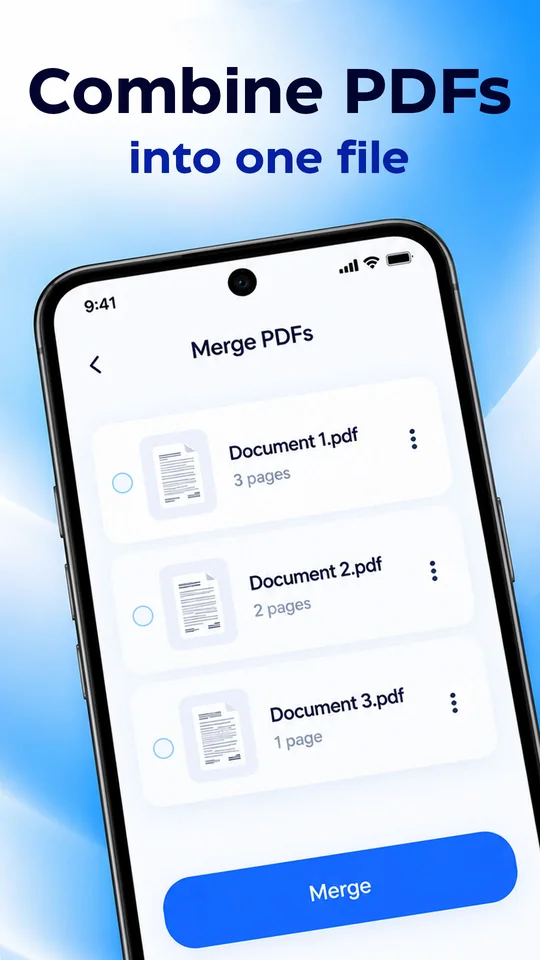
Merge PDFs
Pick your documents and merge them into a single PDF in one step.
Keep receipts, contracts, ID cards and invoices in folders, and find them fast with search.
Turn your scans and gallery photos into clean PDF files.
Easy on the eyes, day or night, with a dark theme.
Screens shown are marketing images with sample documents.
How It Works
Point your camera at a document, ID or receipt and capture it.
Pick a filter, sign it, or extract the text you need.
Create a PDF, merge files and keep everything in folders.
Download Scanly and scan, save and access your important files anytime.